PDF Editor Pro
Price₹250₹99
- Instant download
0 sales
Purchase Includes
- File download after purchase
- Lifetime access to this version
- Secure checkout
Refund Policy: Due to the digital nature of this product, all purchases are final and non-refundable once the files have been accessed or downloaded. Please review the product details and included materials before purchasing.
Description
PDF Editor Pro is a powerful, browser-based PDF editing application designed to help students, teachers, professionals, businesses, and freelancers manage PDF documents quickly and conveniently.
Specifications
Target Audience
- •PDF Editor Pro is designed for:
- •Students: Manage study materials, annotate notes, and organize PDF documents.
- •Teachers and Educators: Prepare teaching resources, review assignments, and add comments to documents.
- •Office Professionals: Organize business documents, sign files, and perform routine PDF tasks.
- •Freelancers and Small Businesses: Handle proposals, reports, forms, and client documents.
- •Researchers and Academics: Annotate research papers, highlight important information, and manage reference documents.
- •Everyday Users: Perform common PDF tasks through a simple browser-based interface.
Prerequisites
- •Device: Desktop computer or laptop recommended; mobile and tablet support depends on browser compatibility.
- •Operating System: Windows, macOS, Linux, or another system with a compatible modern browser.
- •Browser: A recent version of Google Chrome, Microsoft Edge, Mozilla Firefox, or another supported browser.
- •Internet Connection: May be required to download the application or load external resources. Offline operation depends on the application's implementation.
- •Storage: Sufficient local storage for the HTML application and PDF documents being processed.
- •Software Installation: No conventional installation is required if the application runs directly from the supplied HTML file.
License Type
personal License
What's Included
- Version v1.0.0
Features Inside
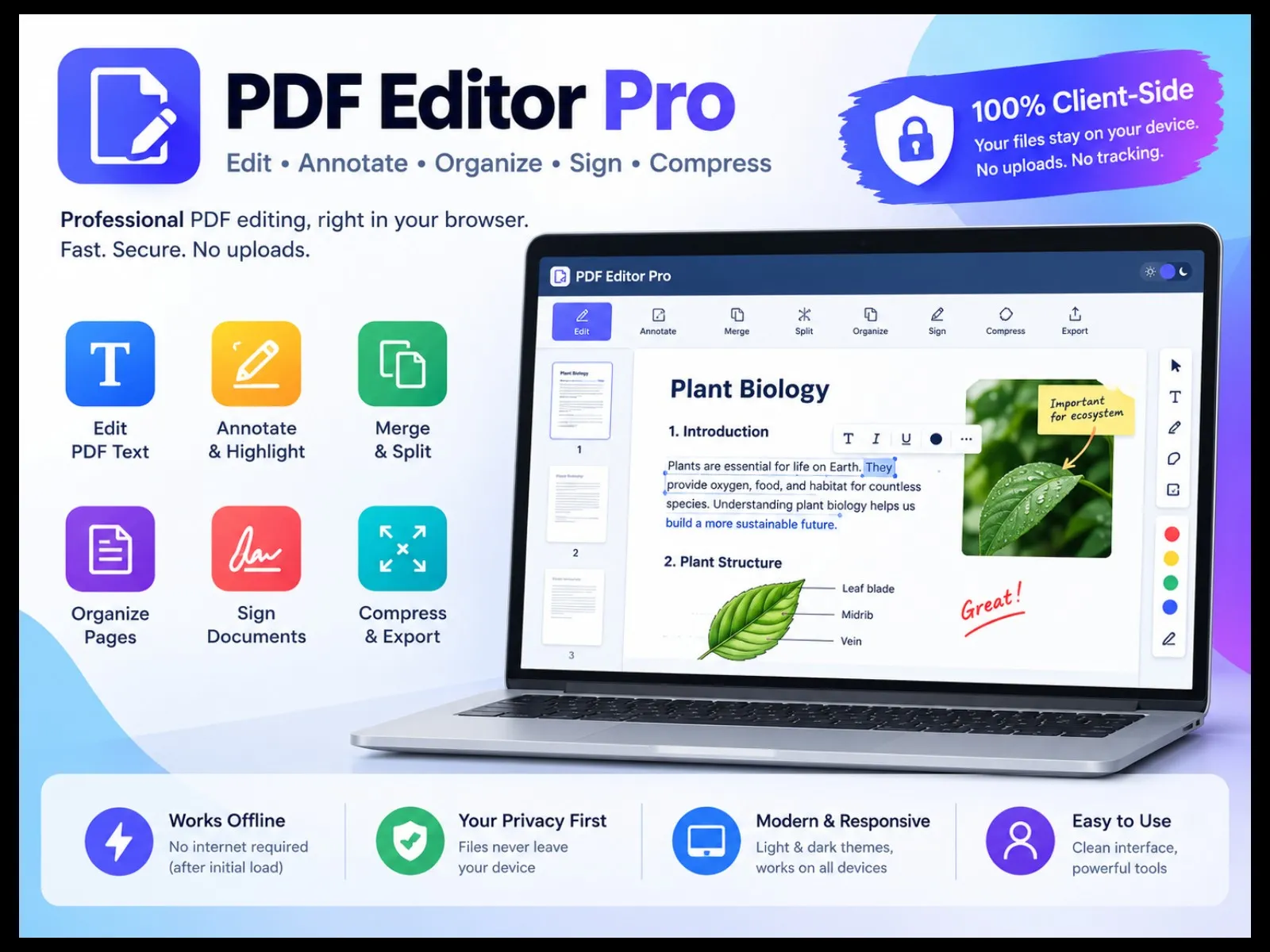
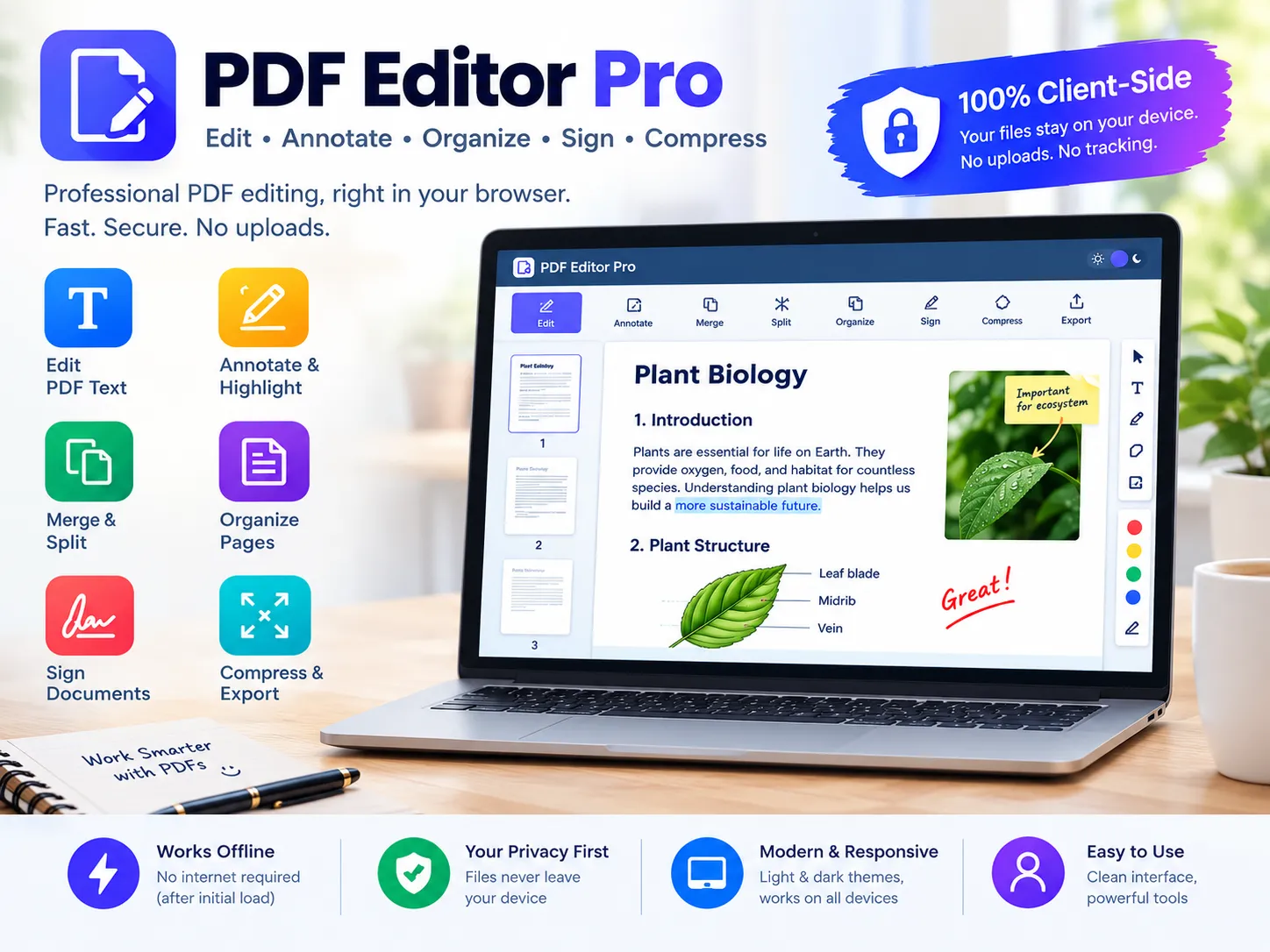
- Edit PDF Text: Select and rewrite existing text lines directly within supported PDF documents.
- Annotate Documents: Add text, notes, highlights, drawings, and other annotations.
- Merge and Split PDFs: Combine multiple PDF files or separate documents into individual files.
- Organize Pages: Reorder pages and manage document layouts with convenient page controls.
- Sign Documents: Add your signature digitally to PDF documents.
- Compress and Export: Reduce PDF file sizes and export your edited documents.
- Privacy-Focused Editing: Process documents directly in your browser without uploading them to a remote server.
- Offline Accessibility: Work offline after the application and its required resources have loaded, subject to browser and feature requirements.
- User-Friendly Interface: Enjoy a modern, responsive design with light and dark themes.
Included Files
- PDF Editor Pro V2.0.html223 KBDownload
Common Questions
1. What is PDF Editor Pro?
PDF Editor Pro is a browser-based application designed to help you manage PDF documents with convenient tools for editing, organizing, and processing PDF files.
2. What features are included?
Depending on the supported tools in your version, features may include editing PDF content, adding annotations, merging and splitting PDFs, rearranging pages, signing documents, and compressing or exporting files.
3. Do I need to install any software?
The application is provided as a single HTML file. You can open it in a compatible web browser without installing a conventional desktop application.
4. Can I use PDF Editor Pro offline?
Offline use depends on the application's implementation and browser support. If all required functionality is built into the HTML file and does not rely on external services, it can be used without an internet connection.
5. Are my PDF files uploaded to a server?
If the application processes files entirely within your browser, your documents can remain on your device. Check the implementation and avoid sensitive documents if you have not verified its data-handling behavior.
6. Is PDF Editor Pro compatible with mobile devices?
Compatibility depends on the browser and device. Desktop browsers generally provide more screen space for working with PDF documents.
7. Can I edit every PDF?
Not necessarily. Results may vary depending on the PDF's structure, embedded fonts, permissions, encryption, and the tools supported by your browser.
8. Can I use the application for business or client projects?
Use is subject to the license terms supplied with your purchase. Confirm that your license permits the intended personal, business, or client-work use.
9. Can I resell or redistribute the application?
Redistribution, resale, or sharing of the original source file should follow the applicable license terms. A purchase does not automatically grant resale or redistribution rights.
10. What do I receive after purchase?
You receive the PDF Editor Pro HTML application file, as specified in the product listing. Check the listing for any additional documentation or support included.
11. What should I do if a feature does not work?
Try opening the application in an up-to-date browser, use a different PDF file to test the feature, and check whether the document is password-protected or restricted.
12. Does the purchase include future updates or technical support?
Updates and support depend on the seller's stated terms. Please review the product listing before purchasing.
PDF Editor Pro
Price₹250₹99
- Instant download
0 sales
Purchase Includes
- File download after purchase
- Lifetime access to this version
- Secure checkout
Refund Policy: Due to the digital nature of this product, all purchases are final and non-refundable once the files have been accessed or downloaded. Please review the product details and included materials before purchasing.
Customer Reviews
Complete your bundle
Pair this with more from ParnikaDigital.