PDF Merge Pro
Price₹50₹10
- Instant download
1 sales
Purchase Includes
- File download after purchase
- Lifetime access to this version
- Secure checkout
Refund Policy: Due to the digital nature of this product, all purchases are final and non-refundable once the files have been accessed or downloaded. Please review the product details and included materials before purchasing.
Description
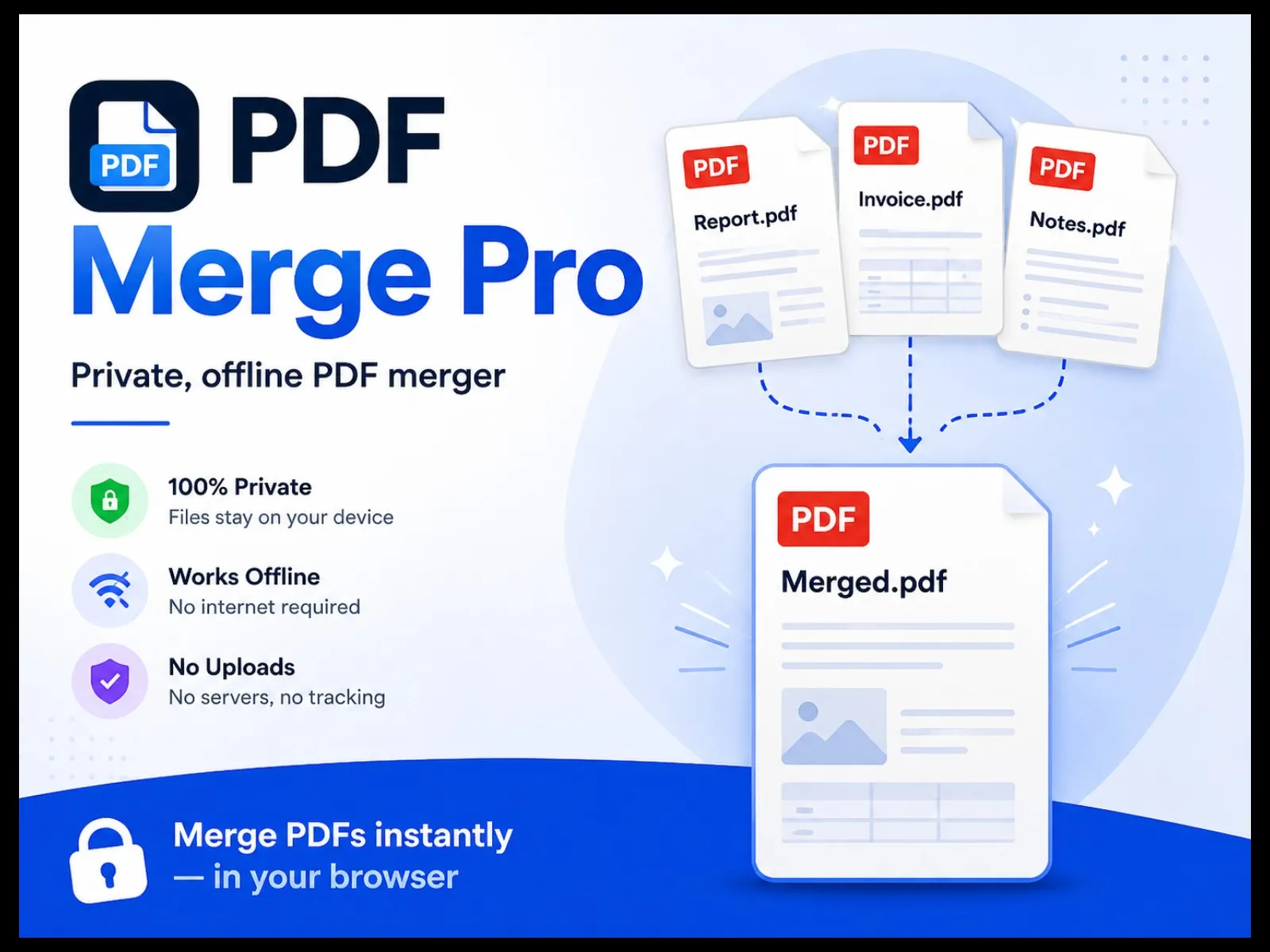
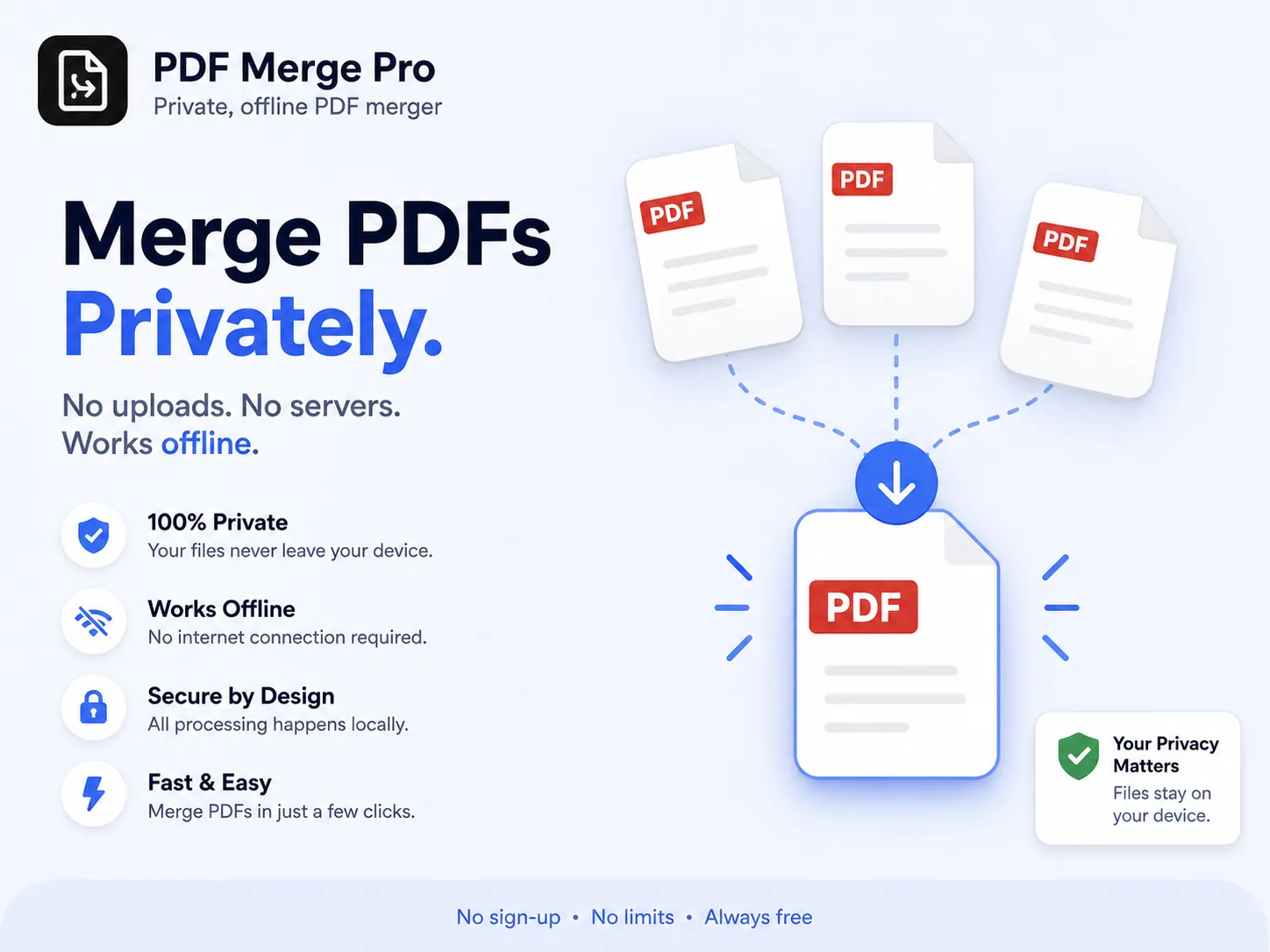
Merge PDFs without handing them to anyone. Combine, reorder and trim PDF files right in your browser. Nothing is uploaded, nothing is stored, and it keeps working with the wifi off.
Specifications
Target Audience
- •Students, teachers, researchers, and academic professionals who need to combine PDF documents for assignments, projects, research papers, presentations, and teaching materials.
- •Office professionals, administrative staff, and business users who need to merge reports, invoices, contracts, forms, and other documents.
- •Freelancers, self-published authors, and content creators who organize digital documents for publication and distribution.
- •Individuals who value document privacy and want to merge PDF files without uploading confidential information to online servers.
- •General users seeking a simple, free, browser-based PDF merging solution without registration or subscription.
Prerequisites
- •A modern web browser such as Google Chrome, Microsoft Edge, Mozilla Firefox, or Safari.
- •A desktop computer, laptop, tablet, or compatible mobile device.
- •Sufficient device memory for processing the selected PDF files, particularly large documents.
- •JavaScript enabled in the browser.
- •No account registration or installation required.
License Type
personal License
What's Included
- Version v1.0.0
Features Inside
- owerful PDF Merging: Combine multiple PDF files into one document quickly and easily.
- 100% Private & Offline: Process files directly in your browser without uploading them to external servers.
- Flexible Page Selection: Choose specific pages or page ranges from each PDF.
- Easy File Management: Drag and drop files to reorder, sort alphabetically, reverse the order, or remove files.
- High-Quality Output: Preserve original page content without re-rendering or compression.
- Instant Download: Rename your merged PDF and download it directly to your device.
- Simple, User-Friendly Interface: Enjoy a modern, responsive design with light and dark themes.
- No Registration Required: Get started immediately without creating an account.
- Progress Tracking: Monitor the merging process with a progress indicator.
- Keyboard Accessibility: Navigate the application using keyboard-friendly controls.
- PDF Merge Pro — A simple, secure, and efficient way to combine your PDF documents right on your device.
Included Files
- PDF Merge Pro V2.0.html52 KBDownload
Common Questions
1. What is PDF Merge Pro V2.0?
PDF Merge Pro V2.0 is a browser-based tool that lets you combine multiple PDF files into a single document, reorder files, and select specific page ranges before merging.
2. Are my PDF files uploaded to a server?
No. PDF processing takes place locally in your browser. Your PDF files are not uploaded to a remote server for merging.
3. How do I merge multiple PDF files?
Open the application, select or drag and drop your PDF files into the workspace, arrange them in the desired order, optionally specify page ranges, and click Merge PDFs. Download the resulting document when it is ready.
4. Can I rearrange the order of PDF files?
Yes. You can reorder files using drag-and-drop controls, sort them alphabetically, reverse their order, or use the available ordering controls.
5. Can I merge only selected pages?
Yes. Enter page ranges such as 1-3, 5, 8- to include selected pages. Leave the page-range field blank to include all pages from that PDF.
6. Does PDF Merge Pro support password-protected PDFs?
The current version does not support encrypted or password-protected PDFs. You must first remove the password protection using an appropriate PDF application, provided you are authorized to do so.
7. Is there a file-size limit?
There is no fixed application-level file-size limit advertised. However, the maximum practical file size depends on your device's available memory, browser capabilities, and the complexity of the PDFs.
8. Does merging reduce PDF quality?
The application is designed to copy PDF page content without rasterizing pages or intentionally applying compression. Compatibility may vary for complex PDFs, so verify the merged document before relying on it.
9. Does the application require an internet connection?
The merging functionality is designed to run locally in your browser. Once the application and its required resources are available locally, it is intended to work offline. Initial access to a hosted version may require an internet connection.
10. Which browsers are supported?
Use a current version of Chrome, Microsoft Edge, Firefox, or Safari. Browser support may vary depending on PDF features and decompression capabilities.
11. Can I rename the merged PDF?
Yes. Enter your preferred filename in the output filename field before clicking Download.
12. Are my files stored after I close the application?
The application is designed to process files locally without uploading or permanently storing them on a server. Downloaded files remain wherever you choose to save them. Clear the workspace when you finish, especially on shared devices.
13. Can I use PDF Merge Pro for confidential documents?
Local processing helps reduce exposure of document contents to remote PDF-processing services. However, overall privacy also depends on the browser, device security, and how the application is distributed and hosted.
14. What should I do if a PDF fails to merge?
Check that the file is a valid PDF and is not encrypted or password-protected. Try opening and re-saving it in a trusted PDF reader, use a supported browser, and ensure that sufficient memory is available.
15. Is PDF Merge Pro V2.0 suitable for students, teachers, and professionals?
Yes. It can help students, educators, researchers, office users, and professionals combine assignments, notes, reports, invoices, and other PDF documents.
16. Do I need to create an account or register?
No account or sign-up is required to use the application's merging interface.
17. Can I use the application on a mobile device?
The interface is designed to be responsive, but performance depends on the device's memory, browser, and the size of the PDF files. Desktop or laptop use is recommended for large documents.
18. What happens if I refresh the page while merging?
Refreshing or closing the page may interrupt processing and discard the current workspace. Keep your original PDF files until you have successfully downloaded and checked the merged document.
19. Does PDF Merge Pro edit PDF text or images?
No. Its primary purpose is to combine PDF pages and select page ranges, not to edit text, modify images, annotate documents, or convert PDFs into other formats.
PDF Merge Pro
ParnikaDigital
5.0(1 review)
Price₹50₹10
- Instant download
1 sales
Purchase Includes
- File download after purchase
- Lifetime access to this version
- Secure checkout
Refund Policy: Due to the digital nature of this product, all purchases are final and non-refundable once the files have been accessed or downloaded. Please review the product details and included materials before purchasing.
Customer Reviews
5.0 stars (1 review)
Complete your bundle
Pair this with more from ParnikaDigital.